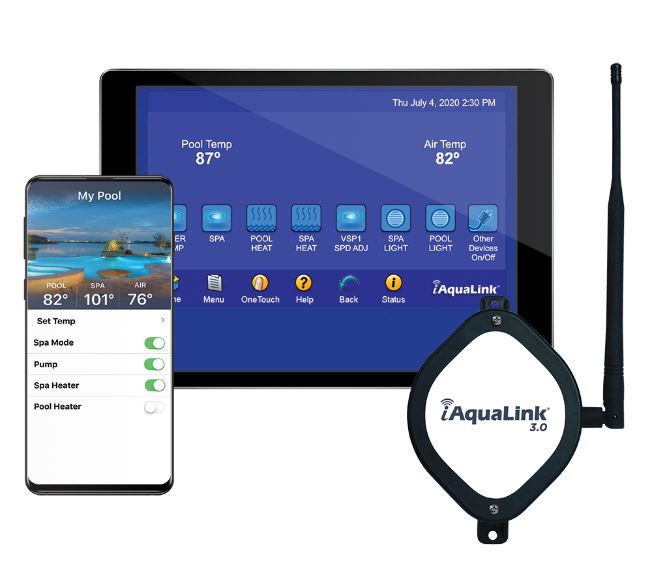
How to set up your Jandy iq30 antenna and phone controller
Part one: connect your Jandy iq30 antenna to your home wifi
Make sure antenna has a red light on the side before starting
Retrieve your wifi password and then go stand back by the antenna.
Open your wifi settings on your phone, click iaqualink - you will get a pop up if you have an iphone. If you have an android, you may have to open google and go to a.com and then you will get to the right screen.
You should see a list of available wifi signals including your homes.
Click your home wifi and enter your password (use 2.4GHz signal if you see that)
To confirm it worked, check the side of the antenna for a green light.
If you have trouble connecting or intermittent connection you may consider these options:
move antenna or router closer to each other, signal drops off through walls and distance.
get a wifi booster (typically requires -65dBm signal strength or better)
create a dedicated 2.4GHz signal in your providers wifi settings just for the antenna.
Part two: Get the app, add your system and control with your phone
Download the iaqualink app and create an account to login. (you may share accounts with spouses to have shared control)
Click the + sign to add system
select Iaqualink system (1st option at the top)
Enter the small print code on the side of the antenna or from the paperwork in the box it came in.
It'll look like XXX-XXX-XXX-XXX but with letters and numbers.
For system name just use your last name without any special characters or spaces.
Give it a few seconds and now you should see your system name with a green dot next to it. Click that.
You should now be able to control and program all of your Jandy pool equipment.
